
Ever noticed how the best online shopping experiences now feel almost like being in a store? That’s no accident. Smart businesses have figured out that adding video chat to their websites bridges the gap between digital convenience and human connection.
In 2025, website video chat isn’t just a fancy feature, it’s becoming a genuine differentiator for businesses that want to stand out. Modern solutions are accessible to businesses of all sizes and technical backgrounds, which is a big part of why adoption has picked up so quickly.
This guide breaks down how businesses are using website video chat to create moments that turn browsers into buyers and one-time customers into loyal fans, along with practical implementation tips and where the real evidence for video chat’s impact actually comes from.
Why Website Video Chat Is Transforming Customer Experience
Remember when getting help online meant sending an email and waiting 24 hours for a response? Or when “live chat” meant typing back and forth with someone juggling ten other conversations at once?
Those days are fading. Here’s why website video chat has become a serious tool for customer experience teams.
The Human Connection Factor
Text-based support is efficient, but it misses something important: the human element. When customers can see a friendly face and hear a reassuring voice, trust tends to build faster than it does over pure text, especially for higher-stakes purchases like financial products, real estate, or big-ticket retail items, where buyers want reassurance before committing.
This is consistent with what customer experience research generally finds: face-to-face interaction (even virtual) shortens the “trust curve” compared to asynchronous text. If you cite third-party statistics here, link directly to the original report rather than repeating a number secondhand, a stat without a working source link is one of the fastest ways to lose credibility with readers (and with Google’s quality systems).

Solving Problems Faster
When customers have questions or issues, nothing beats being able to show rather than tell. Screen sharing and live video let a support agent see exactly what a customer sees, instead of trying to reconstruct the problem through several back-and-forth messages. That typically means fewer round trips to resolve an issue and fewer support tickets that need to be escalated.
Turning Browsers into Buyers
The most impressive impact of website video chat is often on sales, not just support. When shoppers have questions about materials, sizing, fit, or how a product might work for their specific situation, being able to instantly connect with a knowledgeable person removes friction at exactly the moment a customer might otherwise abandon their cart.
For higher-consideration purchases (furniture, jewelry, professional services, enterprise software), video lets a rep show fabric samples up close, walk through a live product demo, or share their screen to answer a specific technical question in real time.

How to Add Video Calling to Your Website
Many business owners assume adding video chat requires deep technical expertise or a major investment. In practice, most modern platforms make this straightforward.
The Basic Implementation Process
- Choose the right solution. Look for a provider offering easy integration, reliable uptime, and features that match your actual use case (support vs. sales vs. both).
- Generate an API key. Once you’ve picked a provider, you’ll create an account and generate credentials to connect the service to your site.
- Add a code snippet. Most providers offer a short script you paste into your site, this usually takes under 10 minutes, even without a developer.
- Customize the appearance. Match the chat widget to your brand colors and style so it feels native to your site.
- Test thoroughly. Check the video chat experience across devices and browsers before going live.
Integration Options Worth Considering
- CRM integration: sync customer info and chat history automatically with your CRM.
- Scheduling tools: let customers book video meetings for times your team is available.
- Analytics tracking: see which pages generate the most video chat requests.
- Mobile compatibility: make sure customers can connect via video whether they’re on desktop, mobile web, or your app.
AI Video Chatbots: A Practical First Line of Support
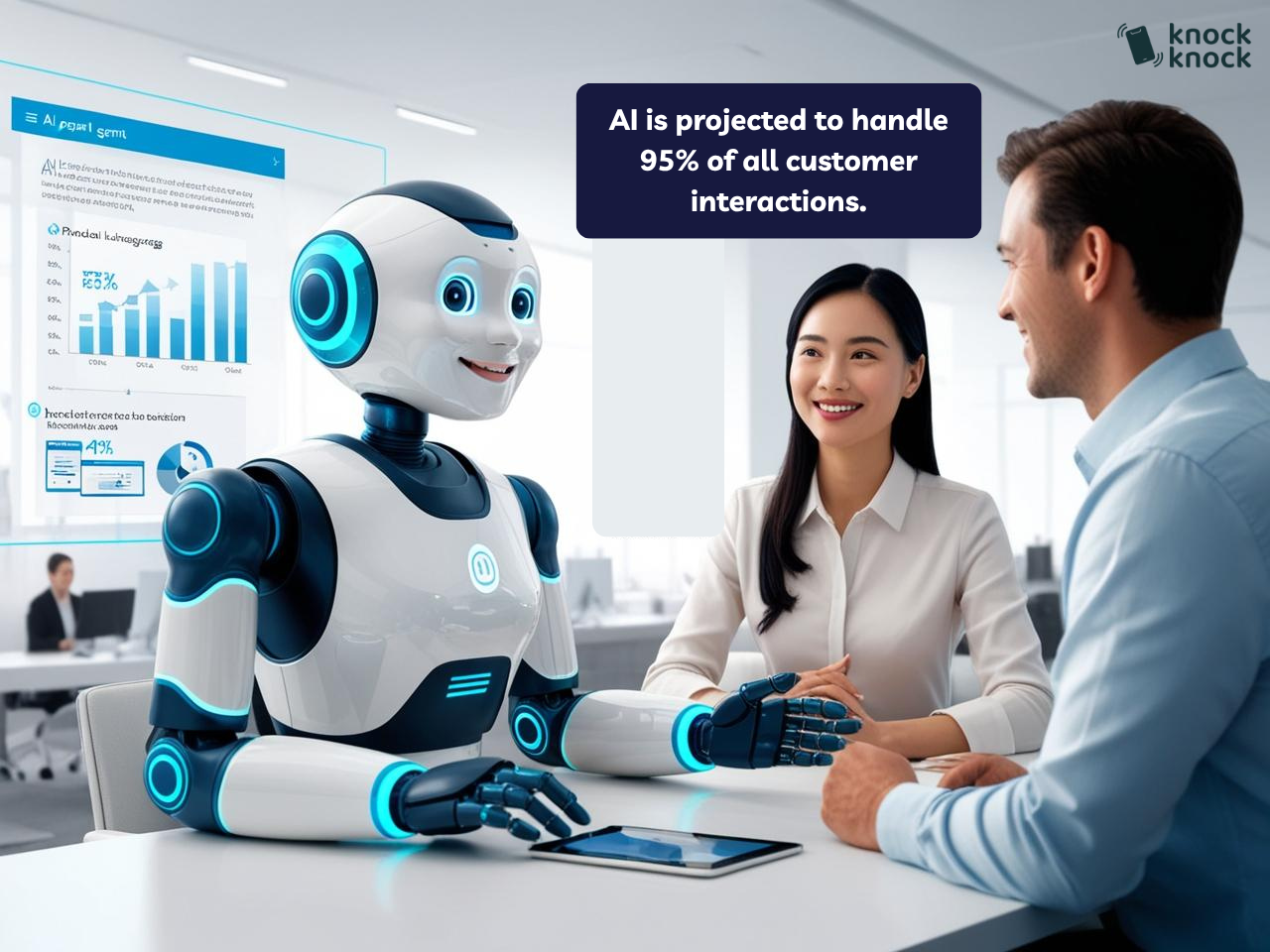
Human-to-human video chat delivers the highest level of service, but staffing live video support around the clock is expensive and hard to scale. That’s where AI video chatbots come in, handling routine, repetitive questions so human agents can focus on the conversations that actually need a person.
What an AI Agent Can Do
Modern AI agents go well beyond the simple chatbots of a few years ago. They can typically:
- Understand natural language and respond conversationally
- Pull from your product catalog or knowledge base to answer specific questions
- Walk a customer through pre-recorded product demonstrations
- Recognize when a conversation needs to be handed off to a human
- Improve over time as they handle more real conversations
The Hybrid Approach
The businesses seeing the best results tend to use AI as the first point of contact for basic questions (specs, availability, shipping, pricing tiers), with a clean handoff to a human agent as soon as a conversation gets complex or a customer signals purchase intent. The goal is a transition the customer barely notices, not a wall the AI can’t get past.
Business Texting: A Natural Companion to Video Chat
While video chat provides the richest form of communication, some customers simply prefer text. Pairing video chat with business texting gives customers more ways to reach you and lets them choose the channel that fits the moment.
A common pattern:
- Reach customers in situations where a video call isn’t practical
- Send appointment reminders for scheduled video calls via text
- Follow up after a video chat with a text summary and relevant links
- Let customers start with text and escalate to video when something needs to be shown, not just described
Choosing a Video Chat Solution: What to Actually Compare
There’s no shortage of platforms in this space, each with different strengths. Rather than ranking vendors (which is easy to get wrong and hard to keep current), here’s what actually matters when you’re evaluating options:
- Ease of implementation, can your team install and configure it without a developer?
- AI + human blend, does the platform support a smooth handoff between chatbot and live agent, or are they separate tools bolted together?
- CRM and existing tool integration, will it plug into what you already use, or create a new silo?
- Mobile compatibility, does the experience hold up on a phone, not just desktop?
- Analytics and reporting, can you actually measure the impact on conversion and resolution time?
- Cost structure, per agent, per chat, or flat subscription, and does that match your call volume?
- Security and privacy controls, encrypted connections, moderation tools, and clear data handling policies matter more as video support scales.
If you want a rundown of specific vendors, look for recent, dated comparison content (ideally from a source without a horse in the race) rather than a “top 10” list bundled into a product’s own blog, including this one. We think Knock Knock is a strong option because we built it to combine video, AI chat, and texting in one platform with a fast setup, but you should evaluate that claim against your own requirements, not take our word for it.
Automation in Customer Service: Finding the Right Balance
The most effective implementations of website video chat combine automation with a human touch, rather than choosing one or the other.
Automated Routing and Qualification
Before a video chat begins, automated systems can:
- Ask preliminary questions to understand what the customer needs
- Route the customer to the most relevant agent or team
- Give the agent context on the customer’s history before the call starts
- Offer to schedule a callback if no agent is immediately available
When to Use AI vs. Human Agents
- Use humans for: complex issues, high-value sales conversations, emotionally sensitive situations, relationship-building
- Use AI for: basic information, simple troubleshooting, initial qualification, after-hours coverage
Best Practices for Website Video Chat
Strategic Placement
Where you place your video chat option matters:
- High-value or complex product pages, where customers are likely to have detailed questions before buying
- Checkout flow, a well-timed video chat offer can recover carts that would otherwise be abandoned
- Support and FAQ pages, make it easy to escalate from self-serve help to a real conversation
Staff Training Matters
The technology is only as good as the people using it. Teams that get the most out of video chat typically train staff to:
- Present professionally on camera (lighting, background, framing)
- Demonstrate products clearly and confidently on video
- Use screen sharing and cobrowsing effectively
- Know when to fall back to text if a video connection is struggling
The Knock Knock App Advantage
While there are many video chat solutions available, here’s what we’ve built Knock Knock around, in case it’s useful when you’re comparing options.
All-in-One Communication Platform
Knock Knock combines website video chat, AI chatbots, and business texting in one platform. In practice, that means:
- Customers can move between communication channels without starting over
- Interactions are stored in one unified history instead of scattered across tools
- Your team manages video, chat, and text from a single dashboard
- Analytics cover all channels together, not in separate silos
No Technical Expertise Required
Setup is designed for marketing and support teams, not just developers:
- Copy-paste installation
- Visual customization tools to match your brand
- Pre-built templates for common industries
- A guided setup process
AI + Human Blend
- AI handles initial qualification and routine questions
- Conversations hand off to a human agent when needed
- AI can continue assisting the human agent mid-conversation
- The system improves as it handles more real conversations
What You Can Measure
Knock Knock’s analytics are built to show the impact directly: conversion rate changes, customer satisfaction trends, resolution time, and ROI on the channels you’re using.
If you want to see these in action rather than take our word for it, book a demo and we’ll walk through your specific use case.
Start Your Video Chat Journey Today
Website video chat is a genuinely useful tool for building trust, resolving issues faster, and reducing friction at the moments that matter most in a purchase. The businesses getting the most out of it aren’t necessarily the ones with the flashiest technology, they’re the ones who place it thoughtfully, train their teams well, and are honest with customers about what they’re getting.
If you want to see how this works in practice, book a demo and we’ll walk you through it directly, no invented case studies required.

Anna Hyatt
Co-Founder | Knock Knock App
AI × Human Touch = Happier Clients, More Revenue
LinkedIn Profile


