Conversions are the lifeblood of your website—whether it’s signups, sales, or leads. But what if your traffic is solid and your design looks great, yet visitors just aren’t taking action? The problem might be lurking in overlooked areas of your site.
In this article, we’ll explore 15 sneaky reasons your website isn’t converting and provide actionable solutions to turn things around. From UX issues to content gaps, we’re diving into what might be silently sabotaging your success.
1. Poor User Experience (UX)
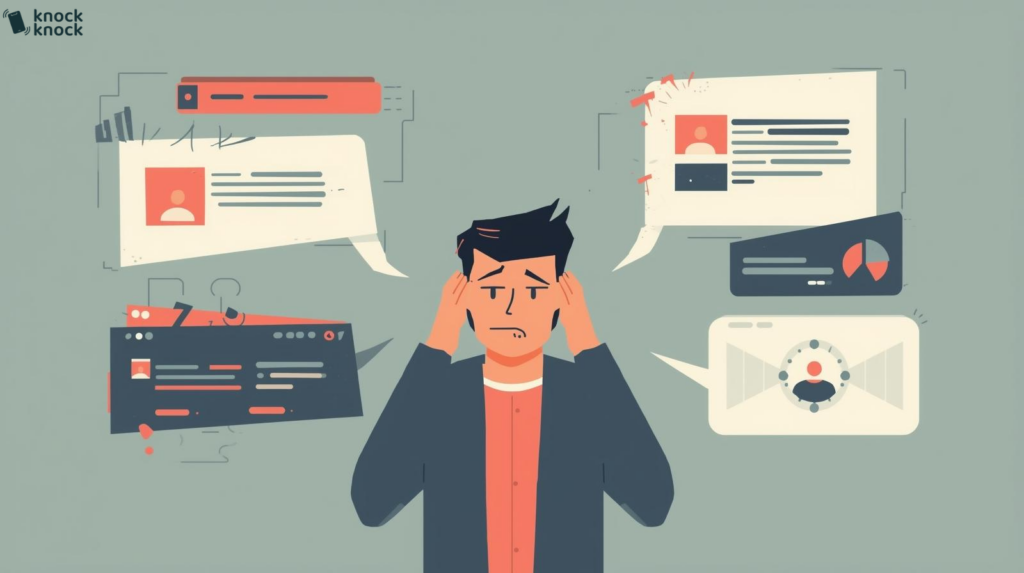
User experience is everything. If visitors find your site confusing, cluttered, or hard to navigate, they’ll leave without converting. A poor UX makes users feel frustrated, overwhelmed, and ultimately uninterested in taking the next step.
This includes slow-loading pages, hidden menus, hard-to-read fonts, and unresponsive design elements. Even something as small as inconsistent button styles can create distrust or hesitation.
Fix: Simplify your layout, keep it intuitive, and test it regularly with real users. Tools like Hotjar or Crazy Egg can help visualize how visitors interact with your site. Keep mobile-friendliness, consistency, and clarity at the core of your UX strategy.
2. Weak Calls to Action (CTAs)
Your CTAs are your digital salespeople. If they’re unclear, passive, or buried in your content, your visitors won’t know what to do next. Generic phrases like “Click Here” or “Learn More” don’t inspire action.
A weak CTA doesn’t communicate value or urgency. Visitors need to feel that by clicking your button, they’re gaining something valuable.
Fix: Use compelling language like “Get Your Free Quote Now” or “Start My 7-Day Trial.” Position CTAs prominently, repeat them strategically, and make sure they stand out visually on the page.
3. Lack of Trust Signals
If users don’t trust your brand, they won’t convert—simple as that. Lack of testimonials, reviews, security badges, or professional design can make your site seem shady or unverified.
People need reassurance before taking action. Especially if you’re asking for personal information or money.
Fix: Add trust indicators such as:
- Customer reviews and star ratings
- Trust badges (e.g., Norton, SSL)
- Client logos or media mentions
- Professional, modern web design
- Clear privacy policies and refund guarantees
4. Ineffective SEO
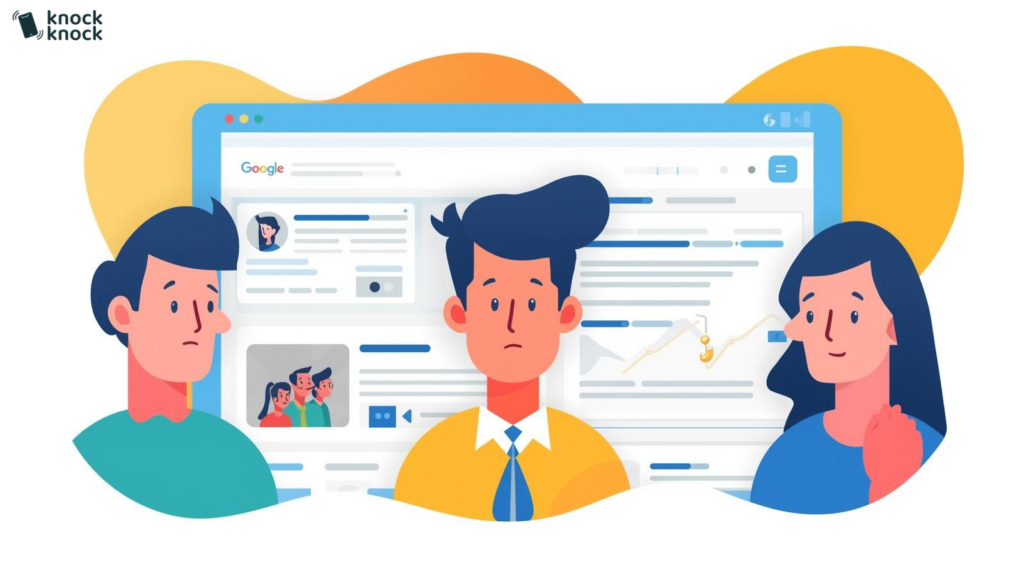
You can’t convert visitors who never land on your site. Poor SEO means your pages aren’t showing up in search results, or they’re attracting the wrong audience.
Even if you’re getting traffic, irrelevant keywords can result in unqualified visitors who bounce without converting.
Fix: Optimize your content with targeted keywords, improve on-page SEO elements, and build backlinks to boost rankings. Use tools like SEMrush or Ahrefs to audit your site and identify SEO gaps. Match keyword intent with your offers.
5. Mobile Responsiveness
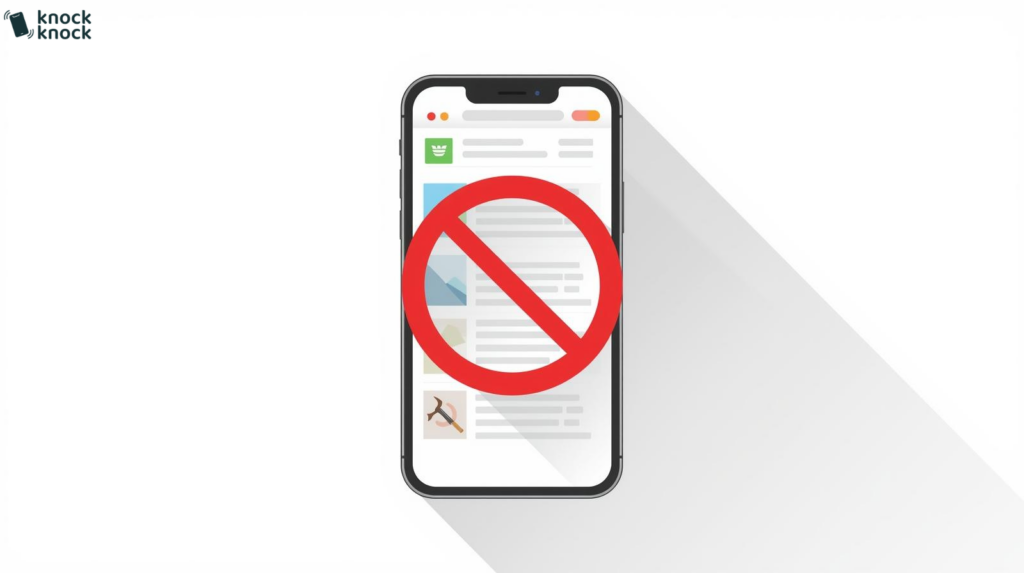
More than half of web traffic is mobile. If your site isn’t optimized for phones or tablets, you’re losing a huge chunk of potential conversions.
Elements may be misaligned, buttons too small, or loading painfully slow on mobile devices.
Fix: Use responsive design that adapts to all screen sizes. Test your site on various devices and use Google’s Mobile-Friendly Test tool. Prioritize mobile UX during your design and development phases.
6. Too Many Distractions
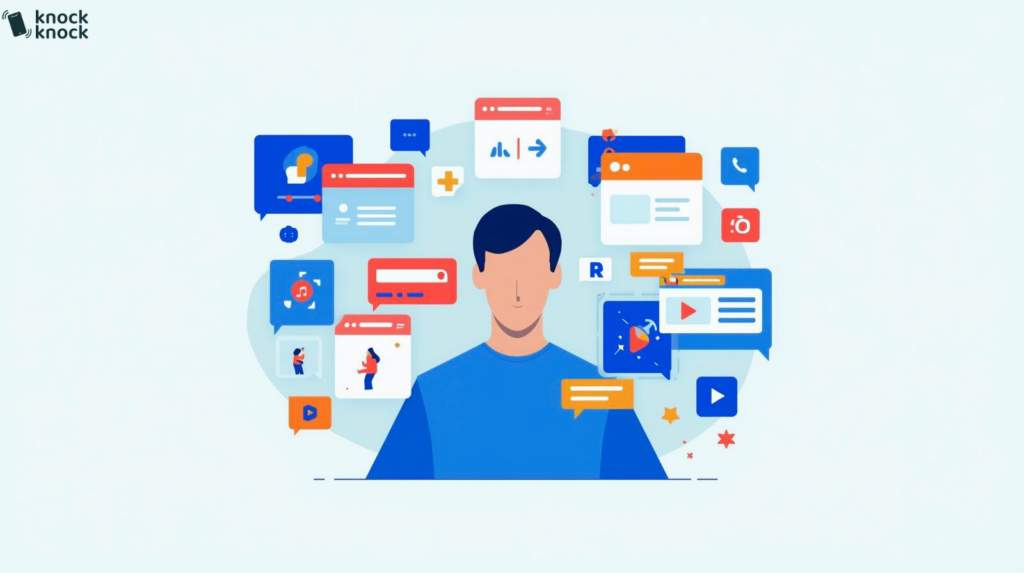
Pop-ups, flashy animations, and autoplay videos might seem cool, but they often distract users from the goal—conversion.
Every extra element competes for attention, which reduces the chance of visitors taking focused action.
Fix: Keep your pages clean and focused. Highlight one clear message and CTA per page. Remove unnecessary clutter and use whitespace effectively to guide users’ eyes to where it matters.
7. Complex Checkout Process
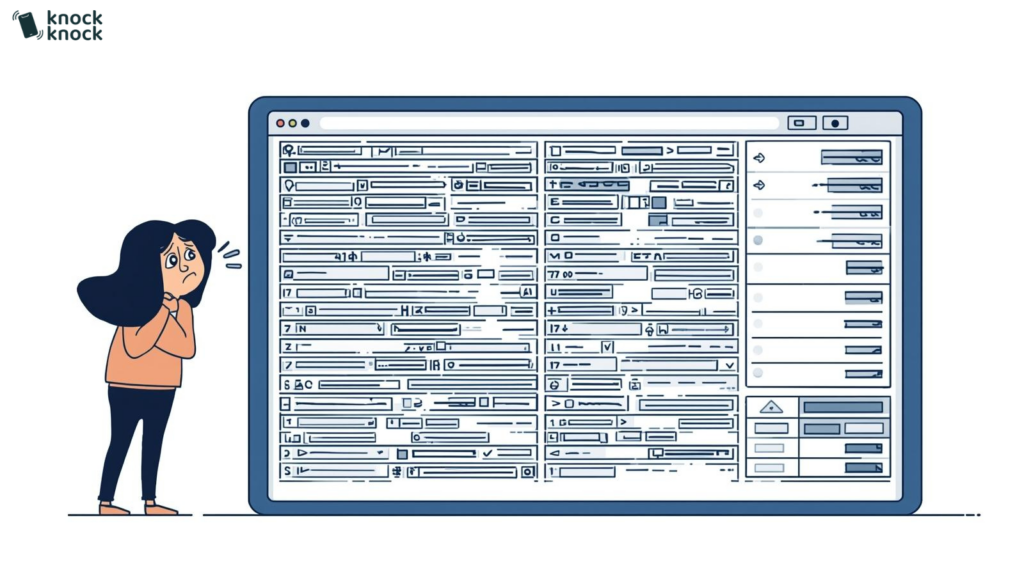
A complicated or lengthy checkout process is one of the biggest conversion killers in eCommerce. People hate creating accounts, filling out endless forms, or encountering unexpected fees.
Cart abandonment is often caused by friction at this final stage.
Fix: Streamline the process. Offer guest checkout, simplify forms, and be transparent about costs. Use progress indicators and autofill options to reduce friction. Add trust badges and clear return policies to ease doubts.
8. Driving Irrelevant Traffic
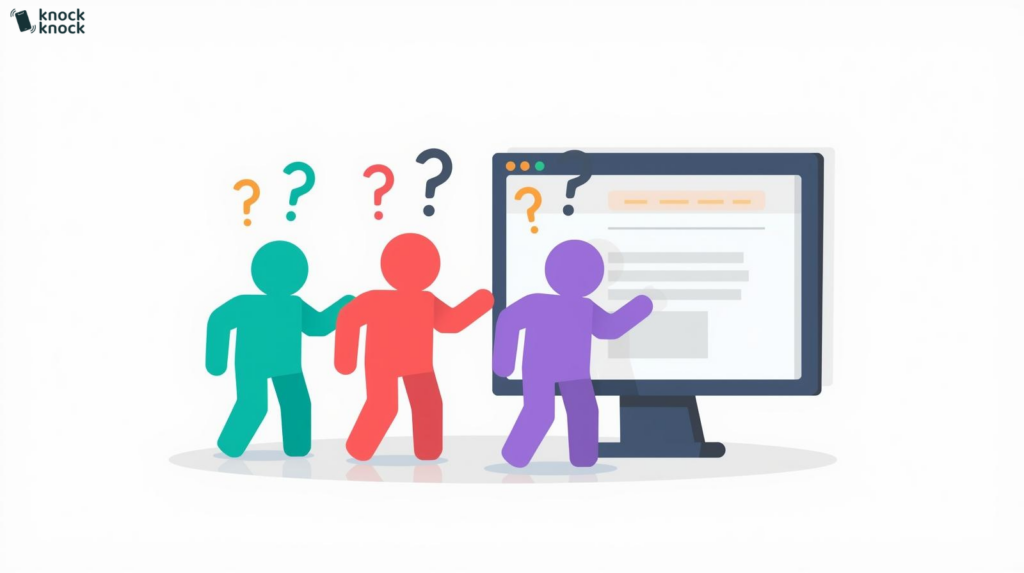
Not all traffic is good traffic. If your SEO or ads are attracting visitors who aren’t your target audience, they won’t convert.
A mismatch between your marketing and website content leads to high bounce rates and poor ROI.
Fix: Refine your targeting. Use audience insights from Google Analytics or Facebook Pixel to understand your ideal customer. Match your content, keywords, and ads to their specific needs and intent.
9. Website Is Slow
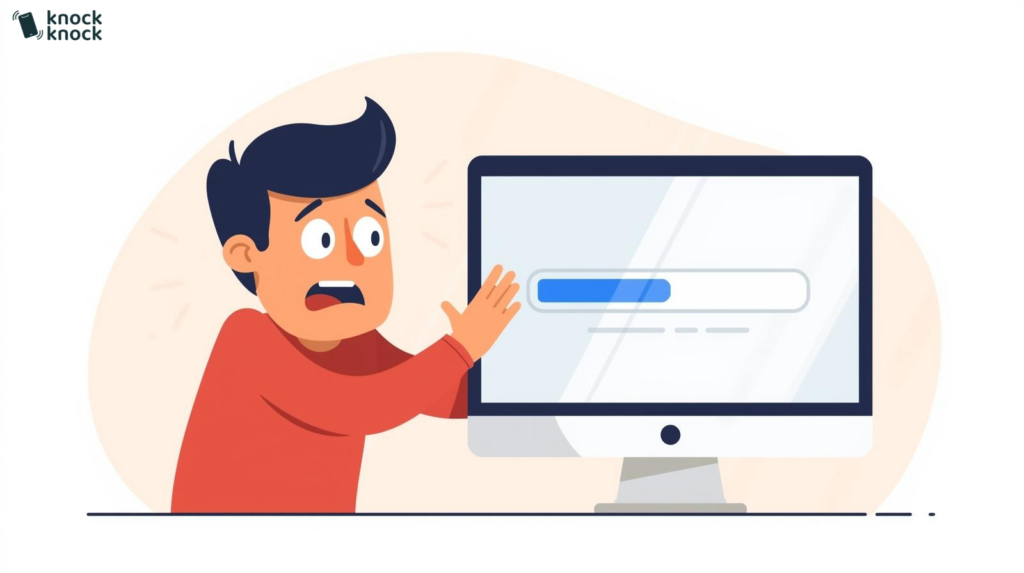
Website speed directly affects conversion rates. Slow-loading pages frustrate users and increase bounce rates dramatically.
Even a 1-second delay in page load time can reduce conversions by 7%.
Fix: Improve speed by:
- Compressing and optimizing images
- Enabling browser caching
- Choosing a fast, reliable hosting provider
- Minimizing CSS, JavaScript, and third-party scripts
- Using a Content Delivery Network (CDN) to deliver content faster
10. Web Content Lacks Deciding Information
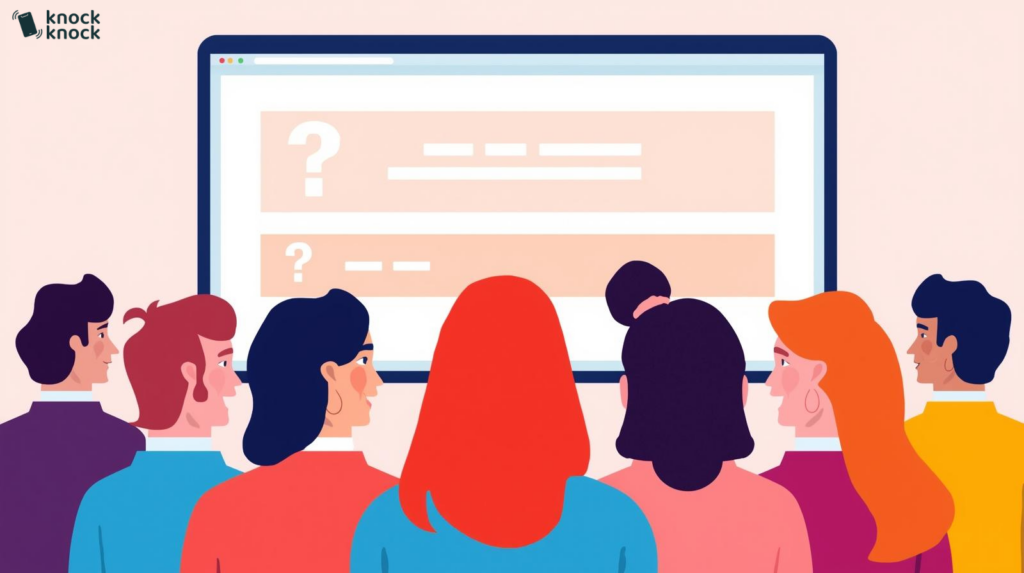
Visitors are looking for specific information to help them make decisions. If your content doesn’t answer their questions, they won’t stick around.
Vague or fluffy copy fails to educate, convince, or inspire trust.
Fix: Identify what your audience needs to know and answer it clearly. Add FAQs, pricing details, case studies, or product comparisons. Focus on benefits, not just features.
11. Website Navigation Is Not Intuitive
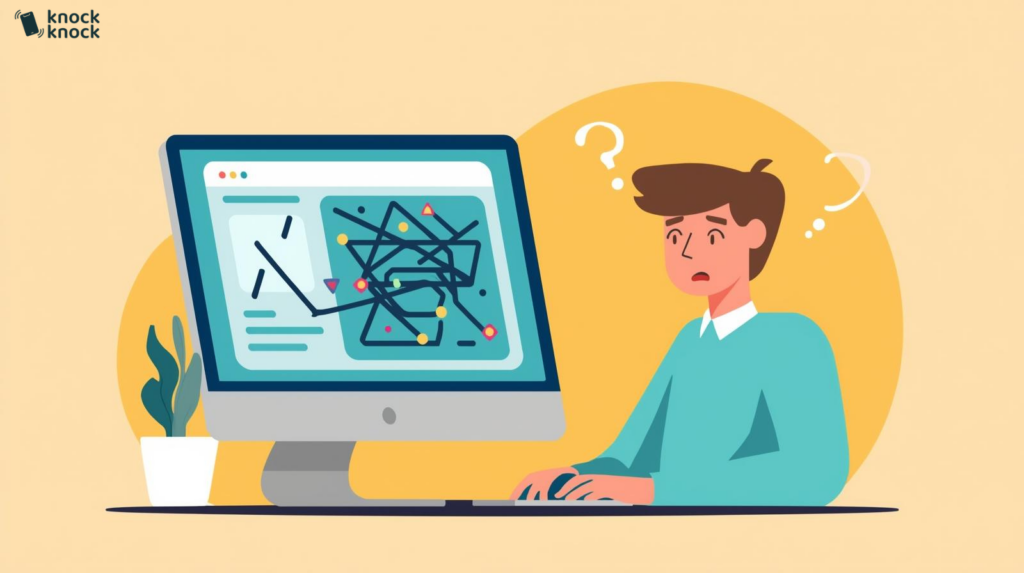
If users can’t find what they’re looking for, they won’t stay long. Confusing menus, broken links, or unclear page hierarchies make navigation frustrating.
A poorly structured site leads to lost opportunities and missed conversions.
Fix: Simplify your menu structure, label pages clearly, and make sure important links are easy to access. Use breadcrumbs, a clear search bar, and test your site’s flow with real users.
12. Landing Pages Are Counterproductive
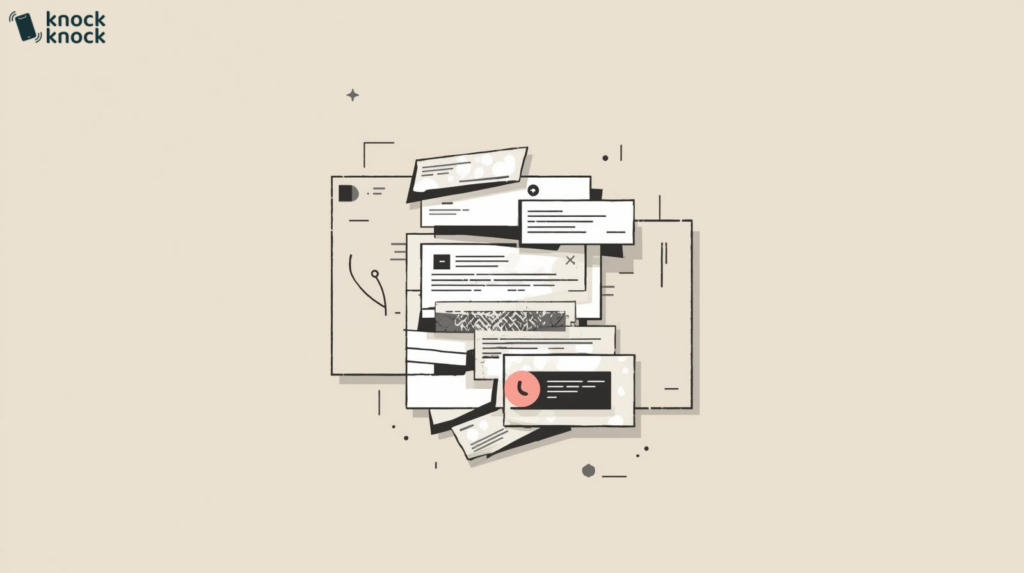
Landing pages are meant to drive action, but if they’re cluttered or confusing, they can push users away.
Too many links, conflicting messages, or no clear CTA hurt conversion rates.
Fix: Make each landing page focused on one goal. Use a strong headline, supporting content, and a compelling CTA. Cut the fluff and eliminate distractions that compete with your main offer.
13. You Have No CTA
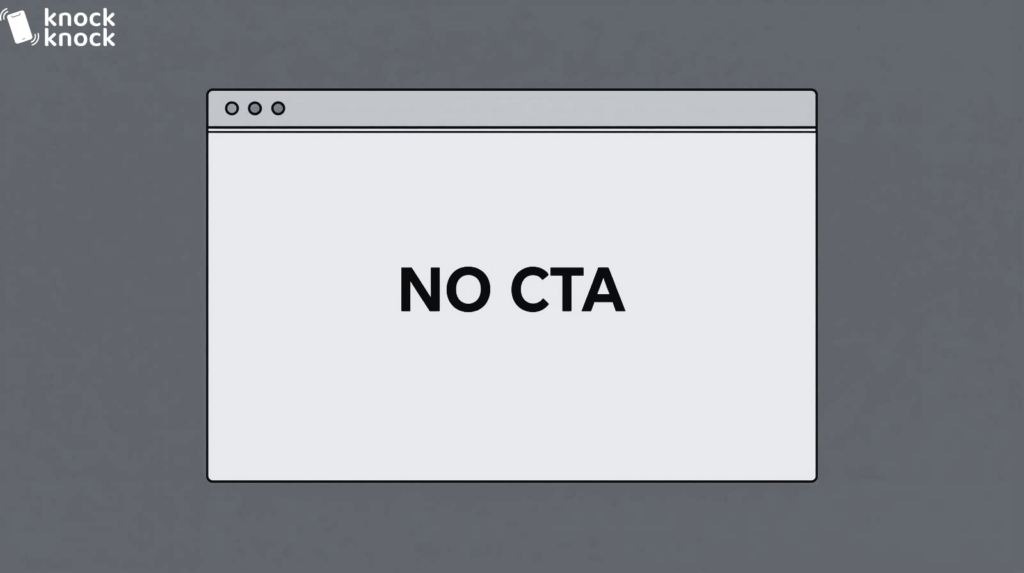
Surprisingly, many websites still fail to include any clear CTA. Without guidance, users won’t know what action to take.
A beautiful website with zero direction is like a shop with no salespeople.
Fix: Add clear, action-oriented CTAs on every page. Whether it’s a button, link, or form, guide your visitors to the next step. Make sure it aligns with their stage in the buying journey.
14. Too Many Ads
Monetizing your site with ads is fine, but excessive or intrusive ads destroy the user experience.
They slow down the site, create clutter, and distract from your main conversion goal.
Fix: Limit the number of ads and prioritize user experience. Place them strategically without disrupting content flow. Consider native ads or affiliate links that match your content and audience.
15. You’re Offering Too Much Choice
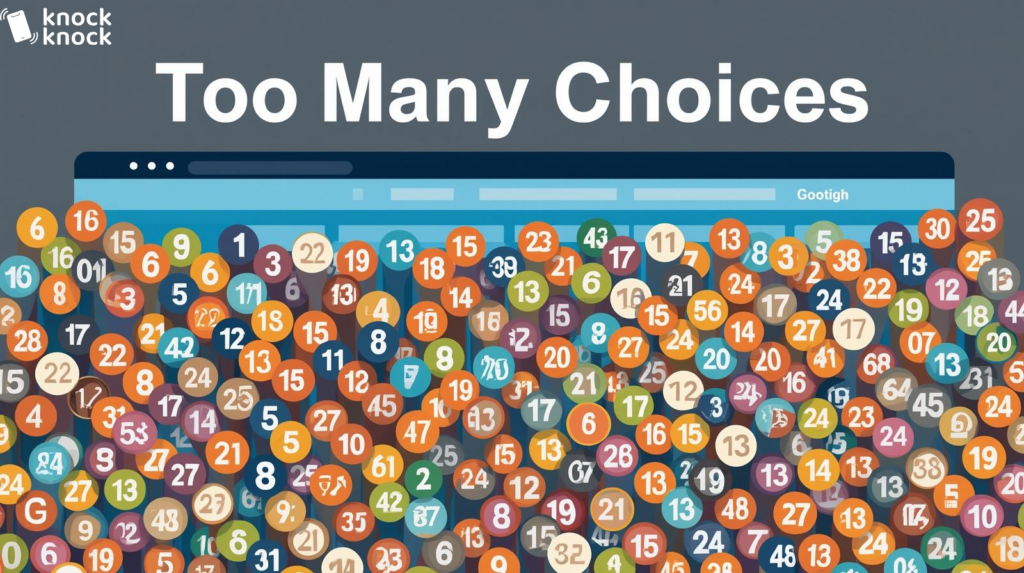
While it might seem helpful to offer lots of options, too much choice can overwhelm users and lead to decision paralysis.
People may leave instead of making any choice at all.
Fix: Simplify your offerings. Highlight your most popular or best-value options. Use comparison charts or guided quizzes to help users make faster decisions. Make the journey to conversion smooth and straightforward.
Frequently Asked Questions
What’s the single most effective way to increase website conversions? Engage visitors in real-time before they leave. You can fix every UX issue, optimize every CTA, and speed up every page, but if visitors still leave without talking to anyone, you’re losing them. Knock Knock App solves this by identifying visitors the moment they arrive, engaging them proactively with AI based on their behaviour, and connecting hot leads to your team via live video, voice, or chat. It’s not another optimization tweak. It’s a fundamentally different approach that captures the 97% of visitors who would otherwise leave silently.
How can Knock Knock App help fix multiple conversion issues at once? Knock Knock App addresses several of the problems in this list simultaneously. Weak CTAs? Knock Knock App engages visitors proactively without waiting for them to click anything. Lack of trust? Live video builds trust faster than any badge or testimonial. Complex processes? Instead of forms and checkouts, visitors talk to a real person instantly. No clear CTA? AI guides visitors toward action based on their behaviour. It’s a conversion layer that sits on top of your website and captures leads you’d otherwise lose.
Is there a way to know who’s visiting my website even if they don’t convert? Yes. Knock Knock App identifies visitors before they take any action. Name, company, email, LinkedIn profile, traffic source. Even if they never fill out a form, never click your chat widget, never do anything except browse, you can still know who they are. This changes everything. Instead of waiting for the 2-3% who convert, you can proactively reach out to the other 97%.
How do I fix slow response times that kill conversions? Speed-to-lead is critical. 78% of deals go to the first responder. Knock Knock App responds instantly, 24/7. AI engages visitors in milliseconds. When someone is hot and ready, Human Takeover lets you jump into the conversation with one click. No more leads going cold while they wait hours or days for a callback.
What if I’ve optimized everything on this list and conversions still aren’t improving? Then your problem isn’t optimization. It’s engagement. Most websites are passive. They wait for visitors to take action. But most visitors don’t take action, no matter how optimized your site is. Knock Knock App makes your website proactive. It reaches out to visitors based on behaviour. It starts conversations instead of waiting for them. That’s the shift that moves the needle when optimization hits its ceiling.
Can I really build trust with website visitors quickly? Yes, with video. Trust is built human-to-human. Text and chat are slow trust builders. Live video, face-to-face, builds trust in minutes. Knock Knock App enables one-click video calls directly from your website. No scheduling. No downloads. Visitors see a real person, get their questions answered in real-time, and trust forms fast. The 7-11-4 rule (7 hours, 11 touchpoints, 4 platforms to build trust) can be compressed to a single video conversation.
How does Knock Knock App work with my existing website? It installs in minutes. Add a code snippet to your site (like Google Analytics), configure your settings, connect your CRM (GoHighLevel, HubSpot, or Zapier), and go live. Works on any website: WordPress, Shopify, Webflow, custom builds. It’s a layer on top of your existing site, not a replacement.
What results can I expect from using Knock Knock App? Most businesses see 30-50% more conversions from existing traffic. Not from more visitors. From capturing the ones who were already there but leaving silently. Add in instant response times, 24/7 coverage, visitor identification, and live video trust-building, and the compound effect on conversions is significant. ROI typically shows within 60 days.

Anna Hyatt
Co-Founder | Knock Knock App
AI × Human Touch = Happier Clients, More Revenue
LinkedIn Profile