How to Resell Knock Knock:
The Agency Playbook
Your complete guide to white-labelling and reselling the sales layer your clients' websites never had. From the pitch, to the demo, to recurring revenue.
Before You Start:
What You're Actually Selling
Most resellers fail not because they can't close — but because they try to explain the product before they understand its positioning. Start here.
"Knock Knock is the sales layer your website never had."
Not a chatbot. Not analytics. Not a CRM. It's all of those things working in sequence — an orchestrated sales system that makes a website actively work for its owner. That's a new category. Own it when you pitch.
"Imagine your website could see who was on it, work out who was serious, and start a conversation at the exact right moment — and if they were ready to buy, connect them to you face-to-face, right then, while they're still on your site. That's what Knock Knock does."
The 6-Stage Sales Pipeline
Walk clients through these six stages as a story — use their own business as the example.
Spots Every Visitor
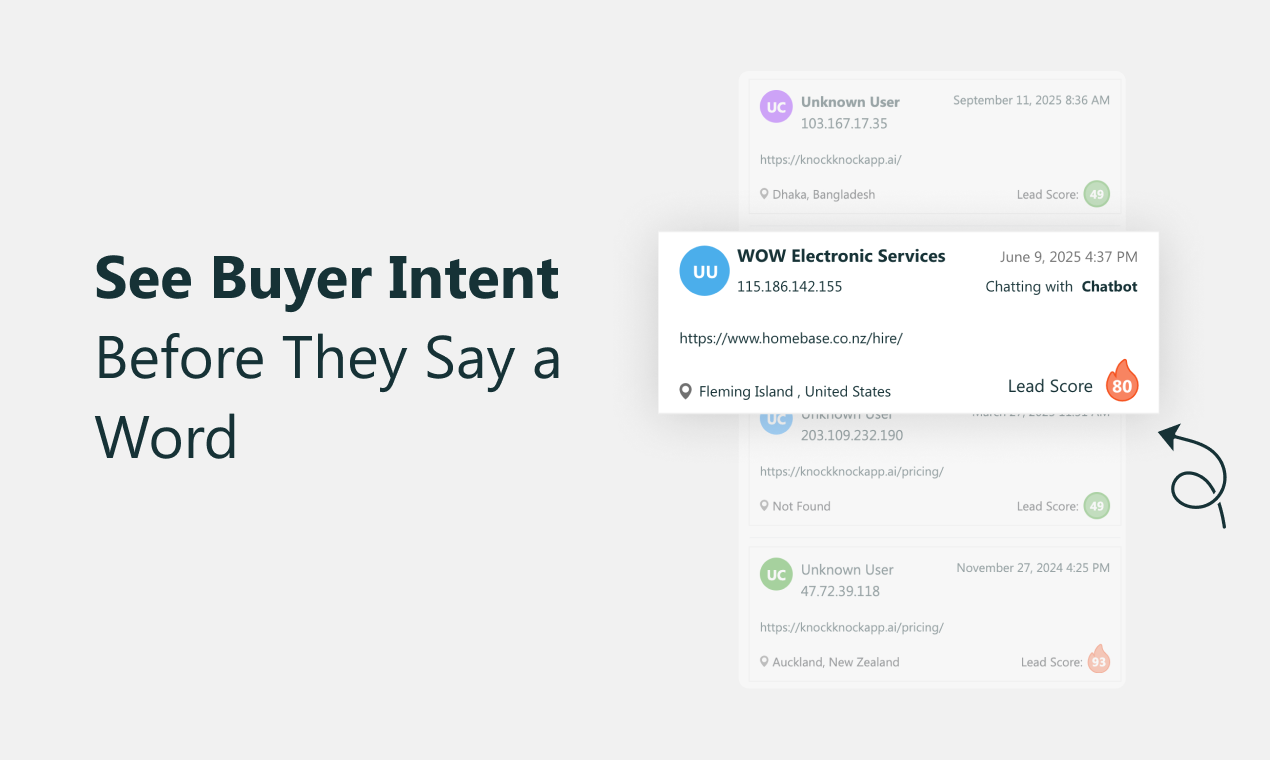
The moment someone lands, Knock Knock identifies them — name, company, email, phone, LinkedIn, location. The website goes from seeing "anonymous user" to a real, named person.

Tracks Their Journey
It follows exactly how the visitor moves through the site — pages visited, in what order, time spent, where they hesitated. Every click builds a live picture of what they're thinking.

Assigns an Intent Score
The AI analyses behaviour in real time and assigns a score from 0–100. Visited pricing three times, spent four minutes reading? That's green. Bounced in thirty seconds? That's red. Knock Knock knows the difference.
Engages Automatically — in 47 Seconds
When intent spikes, Knock Knock fires a personalised message through AI chat or voice — written around exactly what that visitor is reading at that moment. Average time from landing to first contact: 47 seconds.

Qualifies Through Conversation
The AI handles BANT qualification naturally — gathering budget, timeline, team size, and intent through conversation. By the time a human steps in, the lead profile is already complete.

Live Video Call — Right Now
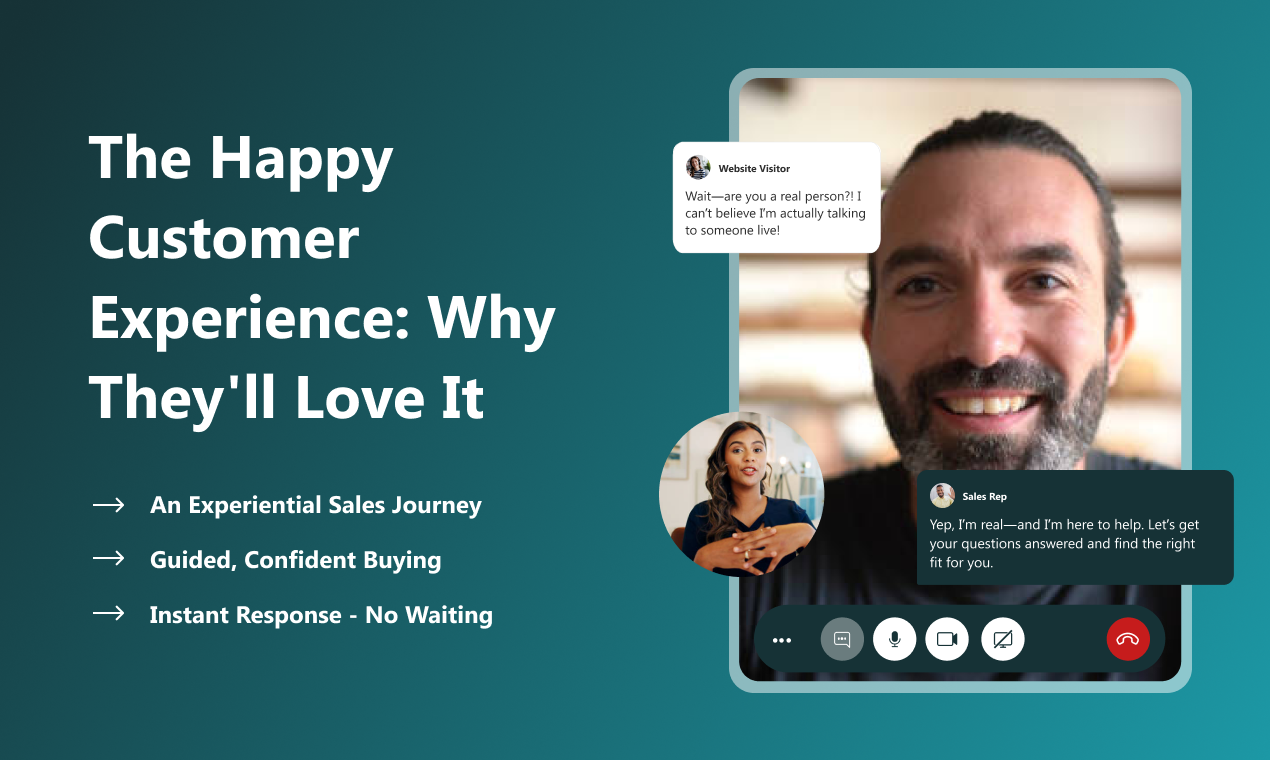
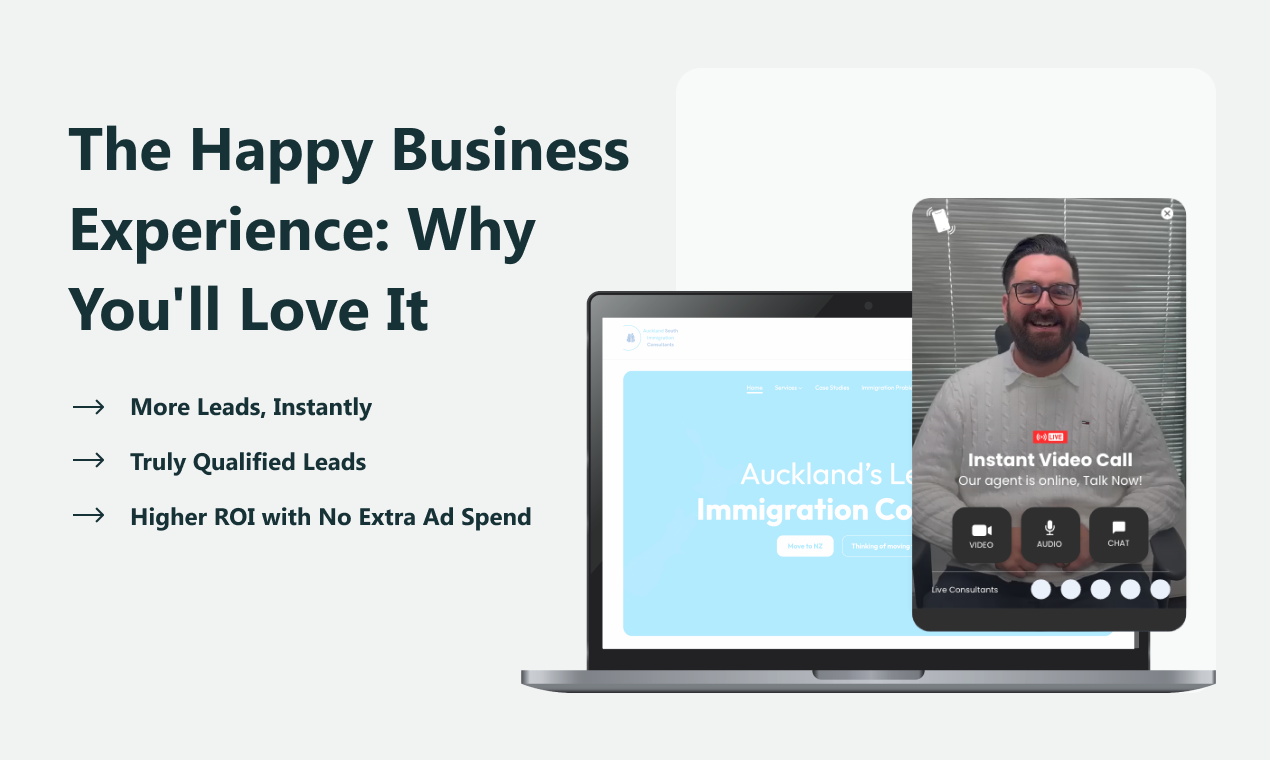
When the lead is ready, one click and the visitor is on a live video or audio call with a real human — in their browser, no download, no scheduling. For leads that need more time, the full profile goes straight to the CRM.

The Opportunity & Key Numbers
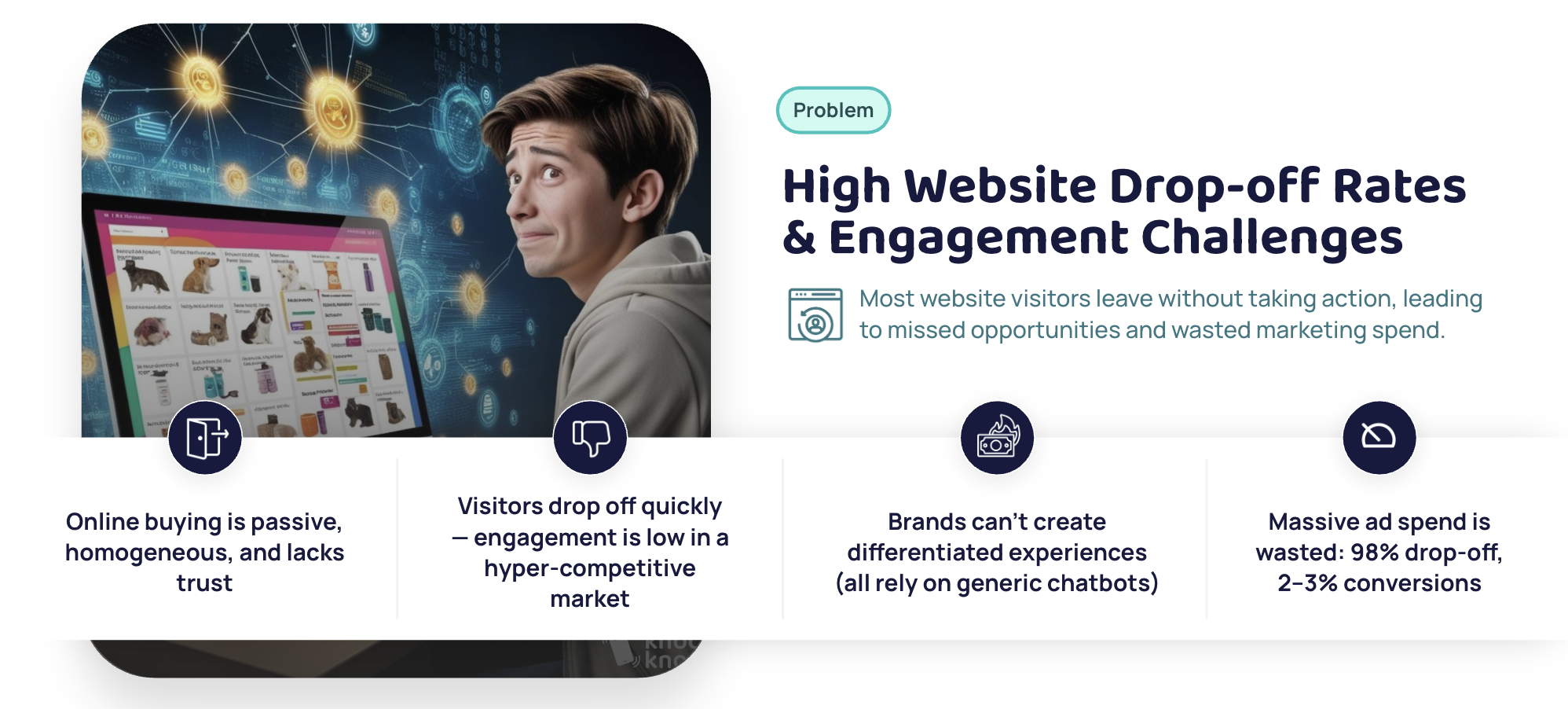
97 out of every 100 website visitors leave without buying. That's not a traffic problem — it's a sales layer problem. Here's the data to prove it.
Positioning & Messaging
When you pitch Knock Knock as a chatbot upgrade or analytics add-on, you lose deals. Position it as a new category and you win consistently.
"Other tools watch your visitors or wait for them to reach out. Knock Knock identifies them, reads their intent, and acts — ending in a real human conversation at exactly the right moment."
The Brochure vs. The Sales Floor
"Right now your website is a brochure. People pick it up, have a look, put it back down. No conversation happened. Knock Knock turns your website into a live sales floor — where you see everyone who walks in, know what they're interested in, and talk to serious buyers before they walk out."
AI Qualifies. You Connect. You Close.
"AI is great at tracking, scoring, and asking the right questions. But it can't build trust or close a deal. Knock Knock uses AI for everything it's good at — so by the time you step in, you're talking to the right person at the right time with full context. AI brings the opportunity. You close it."
The Right Moment
"The biggest problem in sales isn't finding leads — it's timing. Knock Knock makes the conversation happen at the exact second their interest is highest — while they're still on your pricing page, still comparing options, still warm. There is no better moment to talk to a buyer than right now."
Say This
"This is a live sales layer for your website — it identifies hot leads, qualifies them through AI, and connects them to you face-to-face before they leave."
"Your website becomes a salesperson. A system that knows who's serious and gets them talking to you at the exact right moment."
Avoid This
"AI receptionist" — triggers the chatbot objection immediately.
"Real-time engagement tool" — means nothing, sounds like every SaaS product.
"Lead generation tool" — sounds like an ad platform or a form.
The 9 Features:
Your Demo Cheat Sheet
When you walk a client through the product, you have 9 features to show. For each: what it is, what to say, and the moment it lands.
The Widget
Fully branded, customisable widget — upload a custom video/image, set colours, proactive greetings.

Visitor Intelligence Dashboard
Live feed of every visitor — real name, company, email, pages viewed, time on site, traffic source.

Lead Intelligence
Auto-enriched visitor cards — company, industry, size, revenue estimate, LinkedIn, full visit history.

LIVE Navigation Tracking
Real-time, page-by-page view of what every visitor is doing — which page, how long, where they clicked.

AI Lead Scoring & Intent
Every visitor gets a score from 0–100 based on behaviour, pages visited, time, company fit, and return visits.

AI Auto-Engagement
Automated triggers that fire a personalised chat or voice message the moment a visitor hits your intent threshold.
AI Lead Qualification
Full BANT qualification through natural conversation — produces a CRM-ready summary for the human handoff.

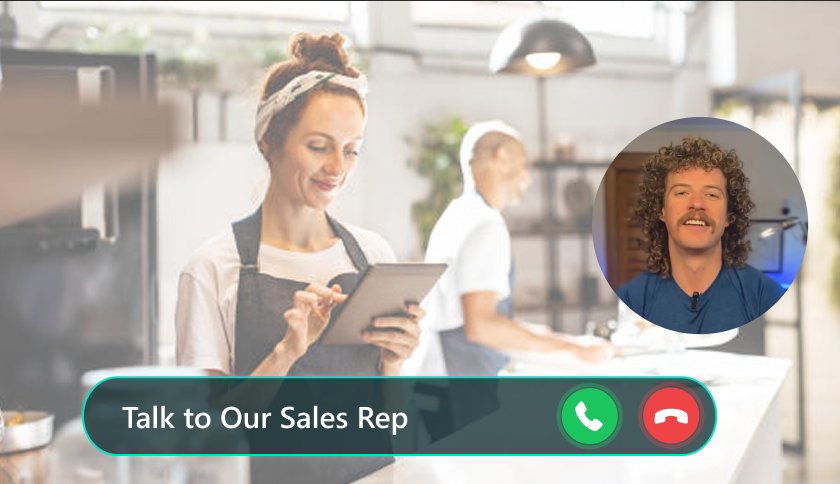
LIVE Video & Audio Calls
One-click live video or audio call — in the browser, no download, no scheduling. HD, screen share, co-browse, auto-record.
Integrations
GoHighLevel, HubSpot, Shopify, WooCommerce, Slack, and 8,000+ apps via Zapier. Any website, any platform.

 GoHighLevel
 HubSpot
 Shopify
 WooCommerce
 Zapier
 Slack
SlackWho to Sell This To:
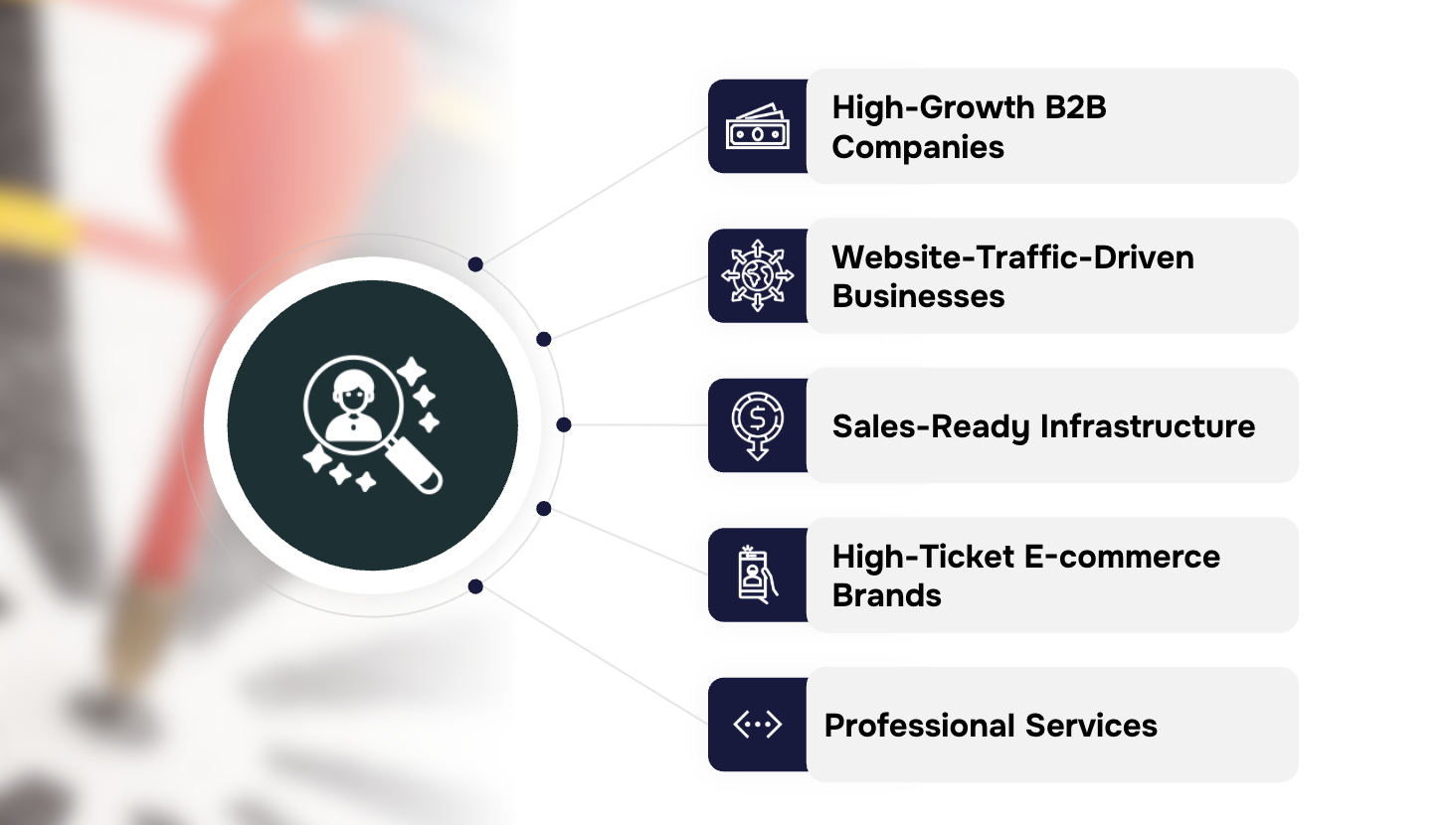
Ideal Client Profile
Knock Knock works best for businesses with meaningful traffic, high-value transactions, slow follow-up pain, and at least one person available to take calls.
B2B Paid Lead Gen
Heavy investment in traffic and outbound. Every missed lead costs real money. Knock Knock turns those clicks into live conversations.
$2k+/mo Ad Spend
Already paying for clicks. The pitch is simple: stop losing the traffic you're already buying.
Active Sales Teams
If there's someone ready to take a call, Knock Knock fills their pipeline with pre-qualified, already-engaged leads.
High-Ticket ($500+ AOV)
Buyers need reassurance before committing. A live human at the right moment closes the sale.
Service Firms (Quote/Demo)
Forms convert at low rates. Live conversations convert fast. These businesses feel the uplift immediately.
Healthcare & Professional Services
Law, dental, financial, consulting. High-value clients, high trust requirement, speed to respond determines who wins.
The 4 Green Lights — Qualify Before You Pitch
Real Website Traffic
If no one visits the site, there's nothing to work with.
High-Value Transactions ($500+)
The higher the value, the more obvious the ROI.
Losing Deals to Slow Follow-Up
If they already feel this pain, they see the value immediately.
Someone Can Take Calls
Knock Knock needs a human to hand off to — even part-time.
Competitive Positioning:
How Knock Knock Wins
Clients will ask "how is this different from what we already use?" Here's how to handle every comparison — and a table to show visually in your pitch.
| Capability | Knock Knock | Analytics | Live Chat | Chatbots | Lead Intel |
|---|---|---|---|---|---|
| Identifies individual visitors | Yes | Partial | |||
| Real-time behaviour tracking | Yes | ||||
| AI intent scoring (0–100) | Yes | ||||
| Proactive AI engagement | Yes | Partial | |||
| AI voice + chat agents 24/7 | Yes | Partial | |||
| Live human video call handoff | Yes | Partial | |||
| Full white-label | Yes |
The Tech Stack Replacement Argument
Most clients have a patchwork of tools that don't talk to each other. This is one of the most powerful arguments you have — and the numbers are striking.
What clients are currently paying for:
| Tool | Purpose | Cost |
|---|---|---|
| Hotjar | Session recording | ~$99/mo |
| Clearbit | Lead intelligence | ~$199/mo |
| Intercom | Live chat | ~$74/mo |
| Tidio / ManyChat | Chatbot | ~$39/mo |
| Calendly | Booking | ~$20/mo |
| Phone system | Calls | ~$50/mo |
| Total — disconnected, siloed | ~$481/mo | |
| Knock Knock — replaces all of it | $97/mo | |

Objection Handling:
Every Response You Need
These are the objections you will hear — and exactly how to respond. Memorise the first two. The rest will come naturally.
White-Label Setup Guide:
Your Brand. Your Platform.
Under the white-label setup, your clients never see the Knock Knock brand. They see your logo, your colours, and your domain. Knock Knock is completely invisible.
Log In to Your Admin Panel
Your central hub — manage white-label settings, add client accounts, and oversee all client dashboards in one place.
White-Label Your Domain
Set your custom domain so the platform runs under your own URL. Clients log in through your domain — not Knock Knock's. To them, this is your platform.
Upload Your Logo
Your logo appears across the entire platform — the dashboard, the widget, the client portal, every email notification. Your brand at every touchpoint.
Match Your Brand Colours
Set your primary and accent colours. The platform adapts to your palette — so when a client logs in, the experience is visually consistent with your agency.


Adding a New Client — 15-Minute Checklist
Create Sub-Account
Add the client as a new sub-account inside your admin panel.
Install Code Snippet
Copy the single JavaScript snippet and paste it before the closing body tag. Works on any platform.
Configure Widget & AI
Upload logo, set colours, write the first AI message, set up qualification questions.
Connect CRM & Go Live
Connect GoHighLevel, HubSpot, or Zapier. Set notification routing. Go live.
Reseller Pricing Tiers:
Pick Your Plan
All plans include full white-label, all features, and a 7-day free trial. Month-to-month, cancel anytime. Upgrade as you grow.
- Full white-label widget
- AI visitor identification
- Live video & voice calls
- AI lead scoring
- Email & chat support
- Everything in Freelancer
- 3 client dashboards
- Agency branding panel
- Client onboarding support
- Priority email support
- Everything in Startup
- 10 client dashboards
- Dedicated partner manager
- Revenue share opportunities
- Priority phone support
- Everything in Growth
- 15 client dashboards
- Co-marketing opportunities
- Custom AI configuration
- Dedicated Slack channel
Worked Example — Growth Plan, 10 Clients at $399/mo
Mid-size B2B: $399–$499/mo
Enterprise / high-traffic: $599–$799/mo
Pitching the Reseller Opportunity:
Agency to Agency
This section is for when you're pitching the reseller opportunity to other agencies — not pitching Knock Knock to end clients. Different audience, different framing.


The Demo Flow
That Closes
The demo is the sale. When you show Knock Knock live, it closes itself. Here's the exact 17-minute sequence that works.
Open with the Pain
Ask one question: "When someone visits your website right now and doesn't fill out a form — what happens?" Let them answer. They'll say: nothing. You say: "That's what we're changing today."
Show the Dashboard Live
Open the live dashboard on a real site. Point to a visitor: "That person is on your site right now. Four minutes. Visited pricing twice. You had no idea." Let that sit.
Walk Through the Intent Score
Show a visitor card with a high score. Explain the signals concretely — visited pricing three times, read two case studies, 6 minutes on site.
Show the AI Message Fire
Walk through what the AI sends when intent spikes. Show how it's written around the specific page. Emphasise: this happened automatically, 47 seconds after they landed.
Do the Live Video Call
Actually initiate a live video call during the demo. When the client sees a face-to-face conversation start inside a website, in seconds, with no friction — that is the sale. Every time.
Close with the ROI Question
"What's one new client worth to you? Because that's the question — not whether this costs $97 a month, but whether one extra conversation per month pays for itself."

Have a colleague on standby for the live video call moment.
Don't rush Feature 04 (Navigation Tracking) — it's the biggest wow.
End on the ROI question, not on features. Outcomes close deals.
Your Next Steps:
What to Do in the Next 48 Hours
You now have everything you need to close your first reseller deal this week. The product sells itself once people see it. Your job is to get them to the demo.
Ready to Build Your
Recurring Revenue Stream?
Book a 30-minute partner call and we'll show you exactly how it works — on a real website, with real visitors. No slides. No fluff.